Staff support
Adding WiFi Devices
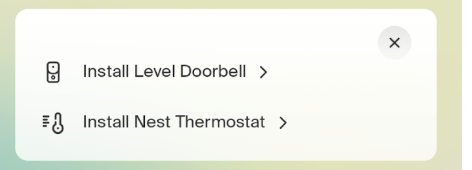
Ambient currently supports 2 WiFi based devices:
-
Nest Thermostat
-
Level Doorbell
WiFi devices are added through the Ambient Installer App in a separate flow than Z-Wave devices, since they communicate through the WiFi connection.
- In the Installer, under “Install Wi-Fi Device”, select the device you want to install
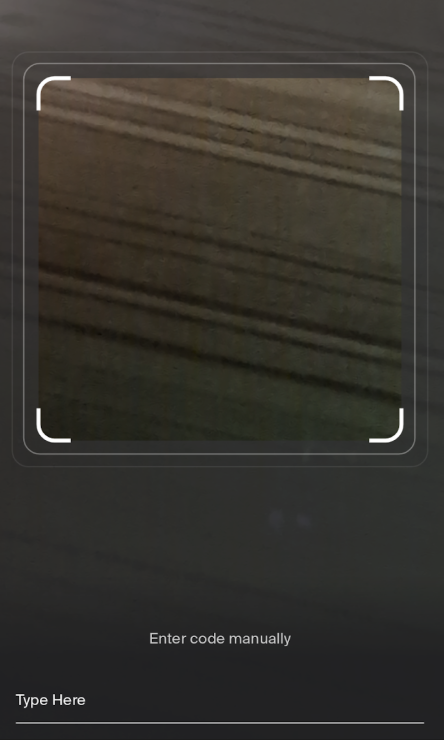
- Once selected, you have the option to scan the QR code or type in the serial number. Tip: We recommend manually typing the serial number.
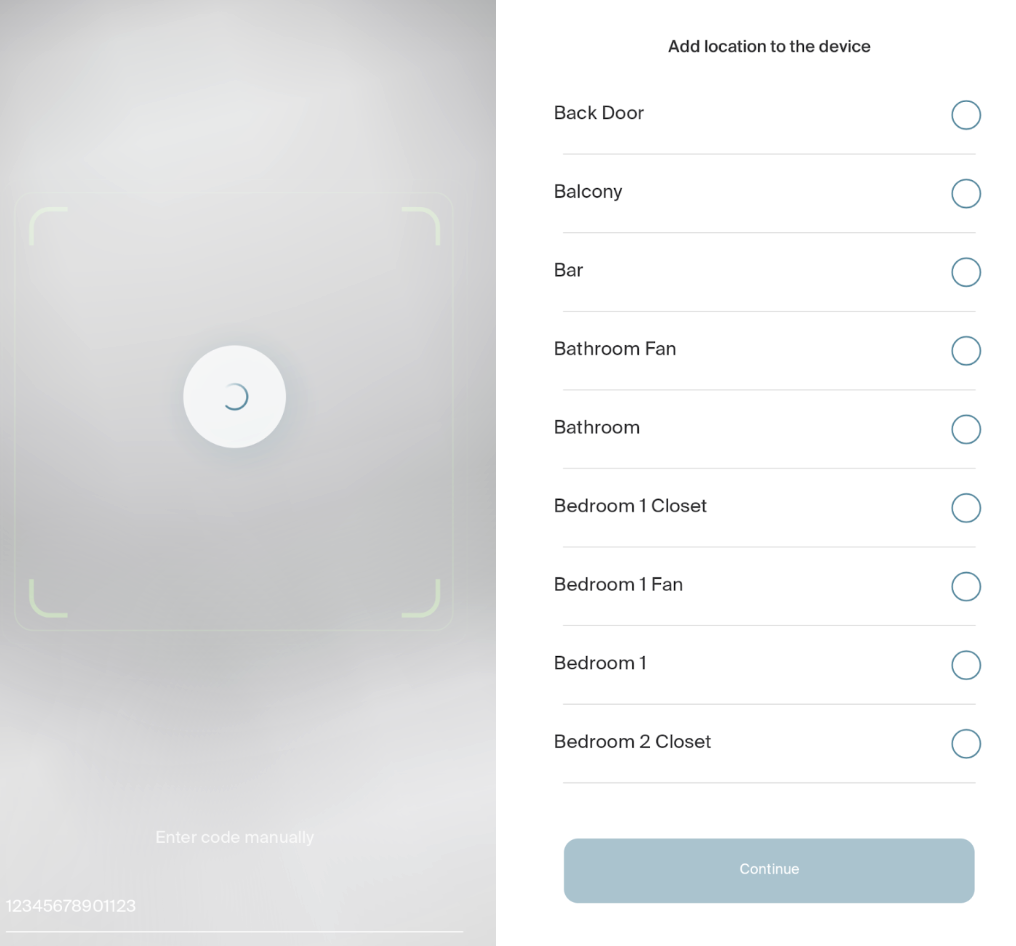
- Once entered, you'll get a loading screen, and then a screen to add a location to the device
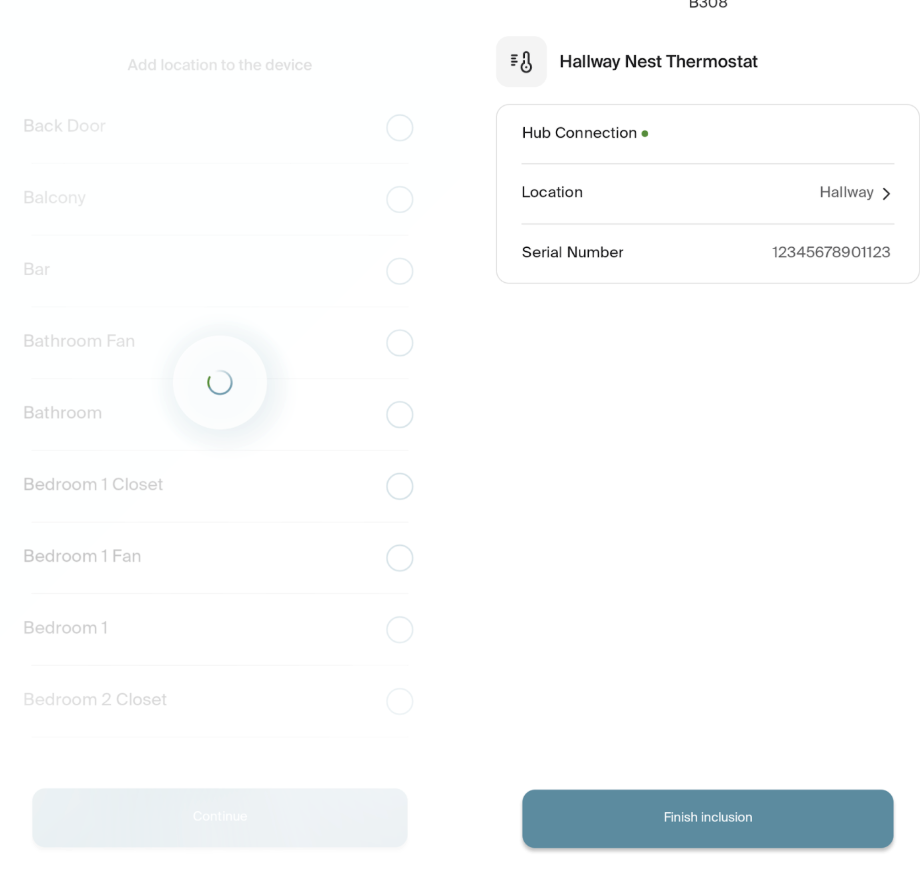
- Once the location is added, a screen will pop up for you to finish the inclusion. Select “Finish Inclusion” and you will return to the Unit Landing Page.