Staff support
Excluding Z-Wave Devices
Z-Wave is a world-leading wireless communications protocol designed specifically for smart home automation.
To manage security and organization, Z-Wave devices must be "introduced" to your specific Hub. This is handled through two primary processes: Inclusion and Exclusion.
Exclusion removes a device from a Hub’s network.
-
Important: Use exclusion before you physically replace a device, to remove that connection from the Hub’s network before pairing the new device.
-
Note: This step can also be used if an individual device is unresponsive before re-including it to the hub.
Excluding a Device in Ambient Installer
-
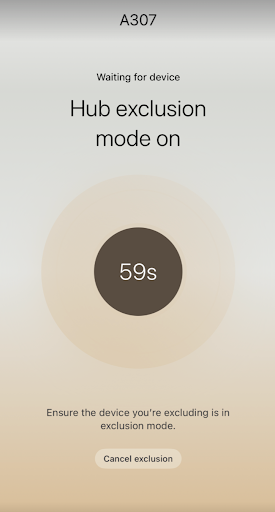
From the unit landing page click the ‘Exclusion’ button. The hub will enter exclusion mode and show you a 60 second countdown. If the countdown does not begin, ensure the hub is reporting an “Online” state in the Level Hub Details Page.
-
While the hub is in exclusion mode press the device’s pairing button to get it to reach out to the hub. The pairing button location on the device will vary between different Z-wave devices. Refer to the product manual for information on your specific Z-Wave device(s).
-
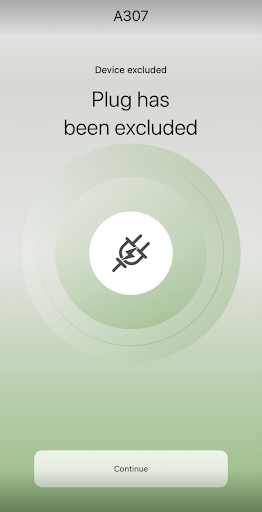
If exclusion was successful you will see confirmation that ‘[Device] has been excluded’ Click ‘Continue’ to return to the unit landing page and you should see the device is no longer included in the device list.