Staff support
Installing a Hub to a Unit
-
Select your community from the Ambient Installer landing page.
-
Navigate to the unit by scrolling or using the search function.
-
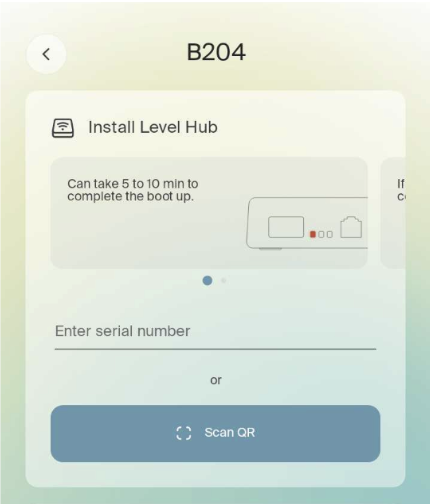
If no hub is currently assigned to the unit, you will see the following screen:
-
-
Ensure the hub is plugged into power and ethernet and has three green LEDs.
-
Input the serial number located on the back of the Level Hub starting with “H4” or “H5”.
-
Note: Ensure there are no spaces before or after the serial number and that you use capital letters.
-
-
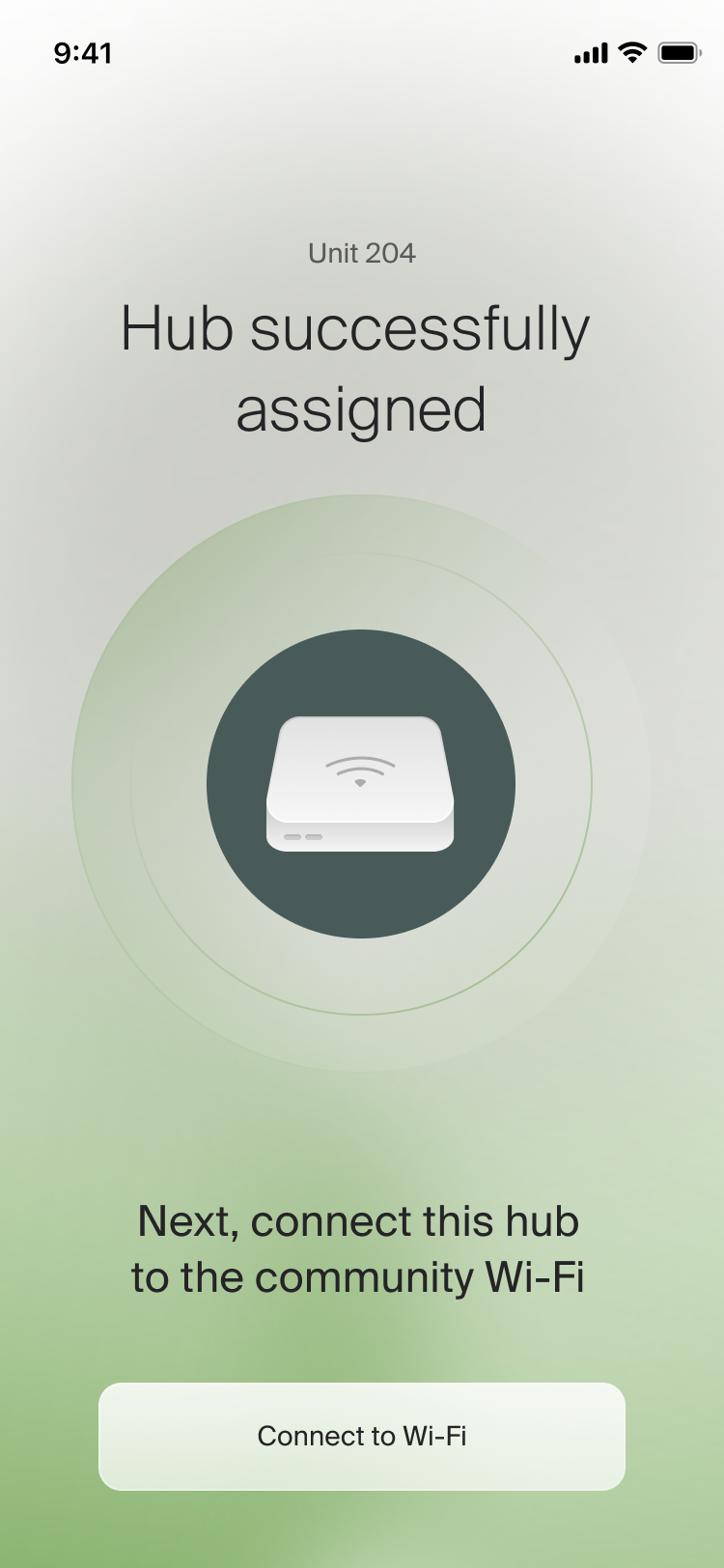
Once the serial number has been entered, you will see a success screen and be directed to the Unit Landing Page where you can begin pairing smart devices.