Staff support
Removing WiFi Device
-
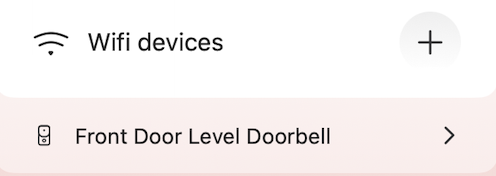
Locate the device you want to remove, and tap the disclosure arrow to the right of the name.
-
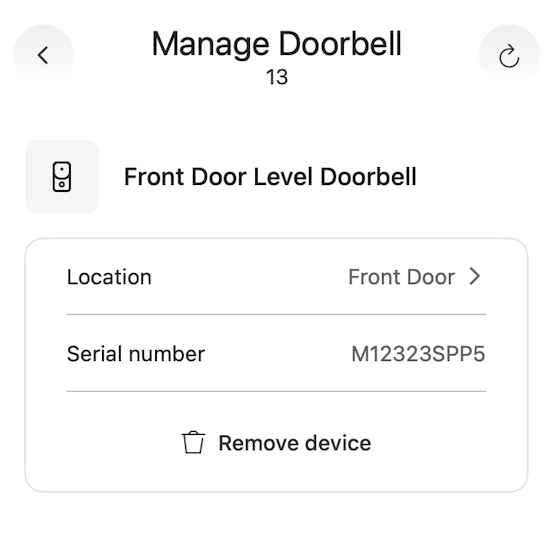
Once selected, you will see an option to remove the device.
-
Note: Screenshot and record the information for the device being removed from the unit within the Salesforce Case for that unit.
-
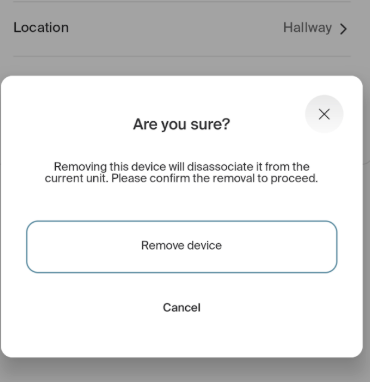
The installer will confirm that you want to remove the device.
-
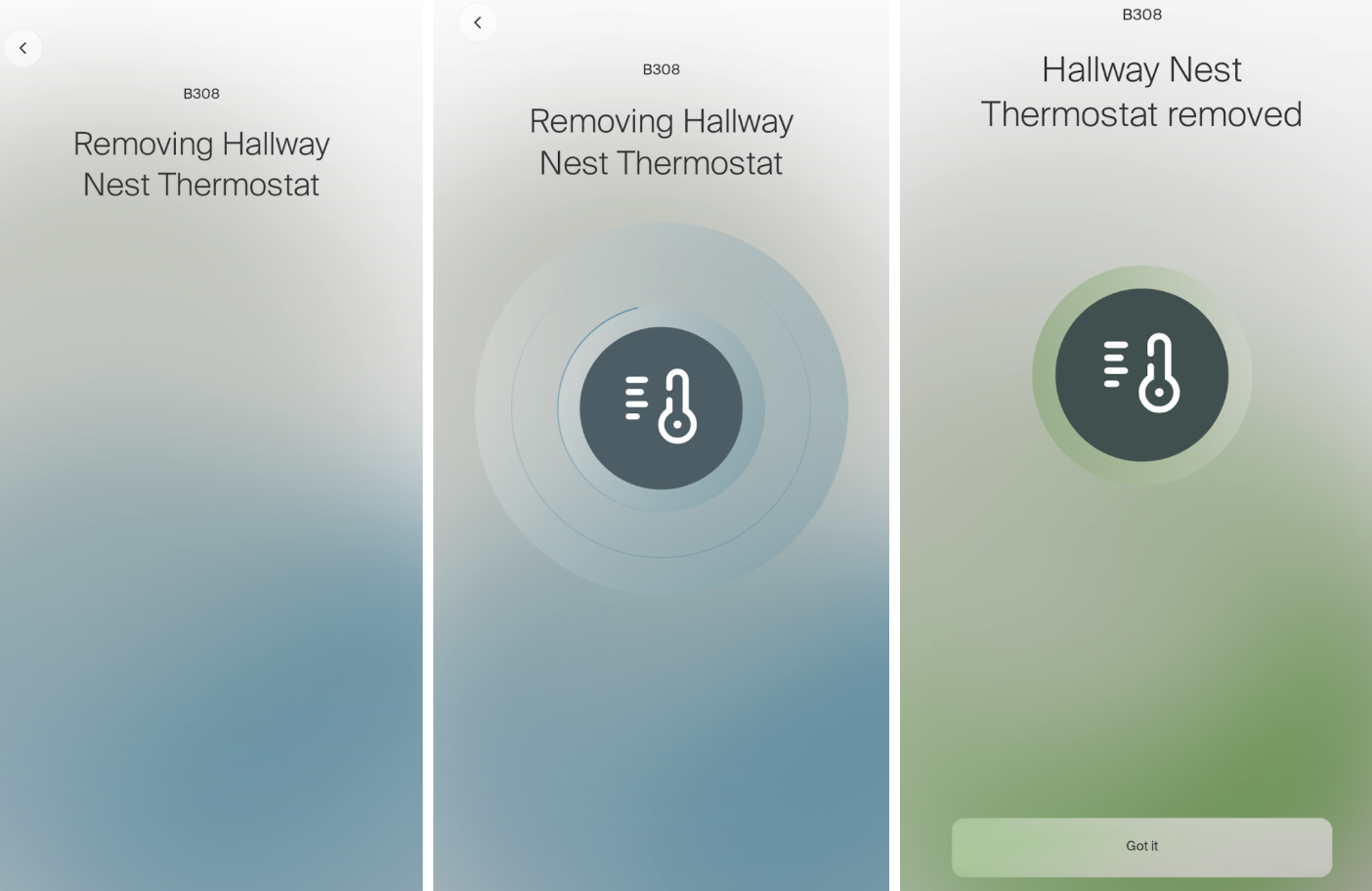
Once “Remove Device” is selected, the app will move through the removal sequence screens.