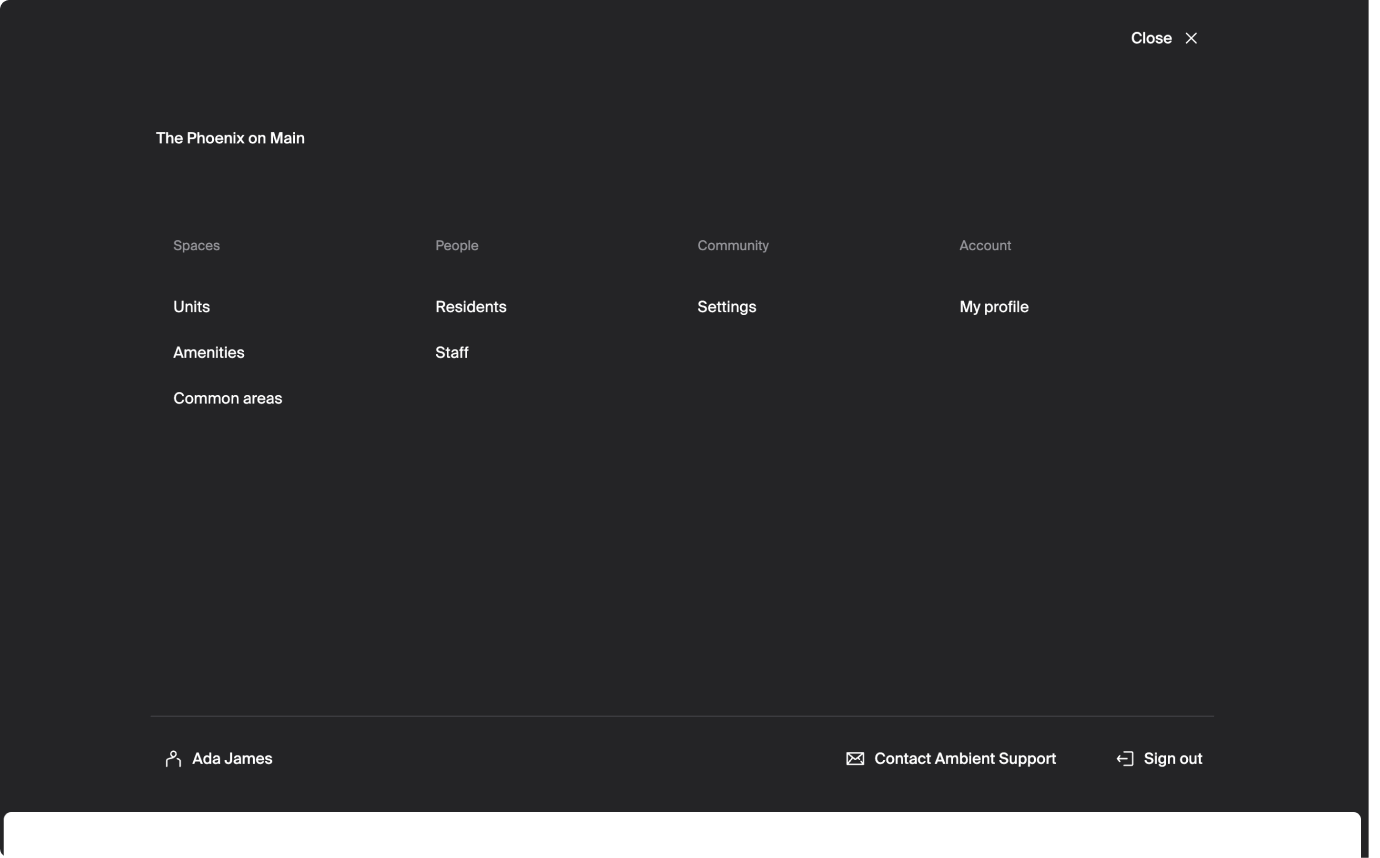
Staff support
Tips for getting started in the manager dashboard.
Welcome to Ambient! Learn about these key features of the manager dashboard to help you get started:
Home page
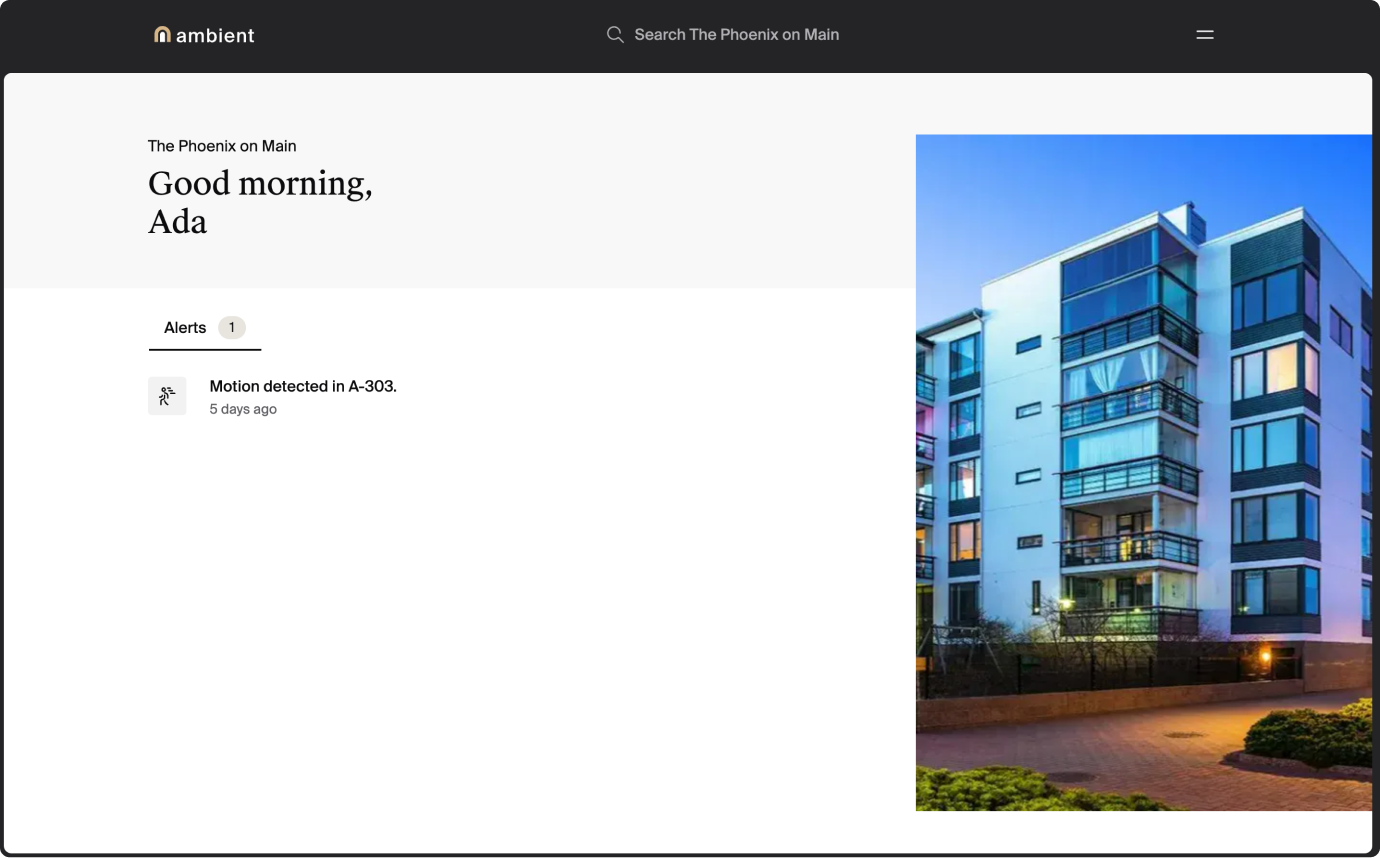
- critical alerts: acute problems that can impact security or cause property damage
- normal alerts: issues that may become problems soon
Search
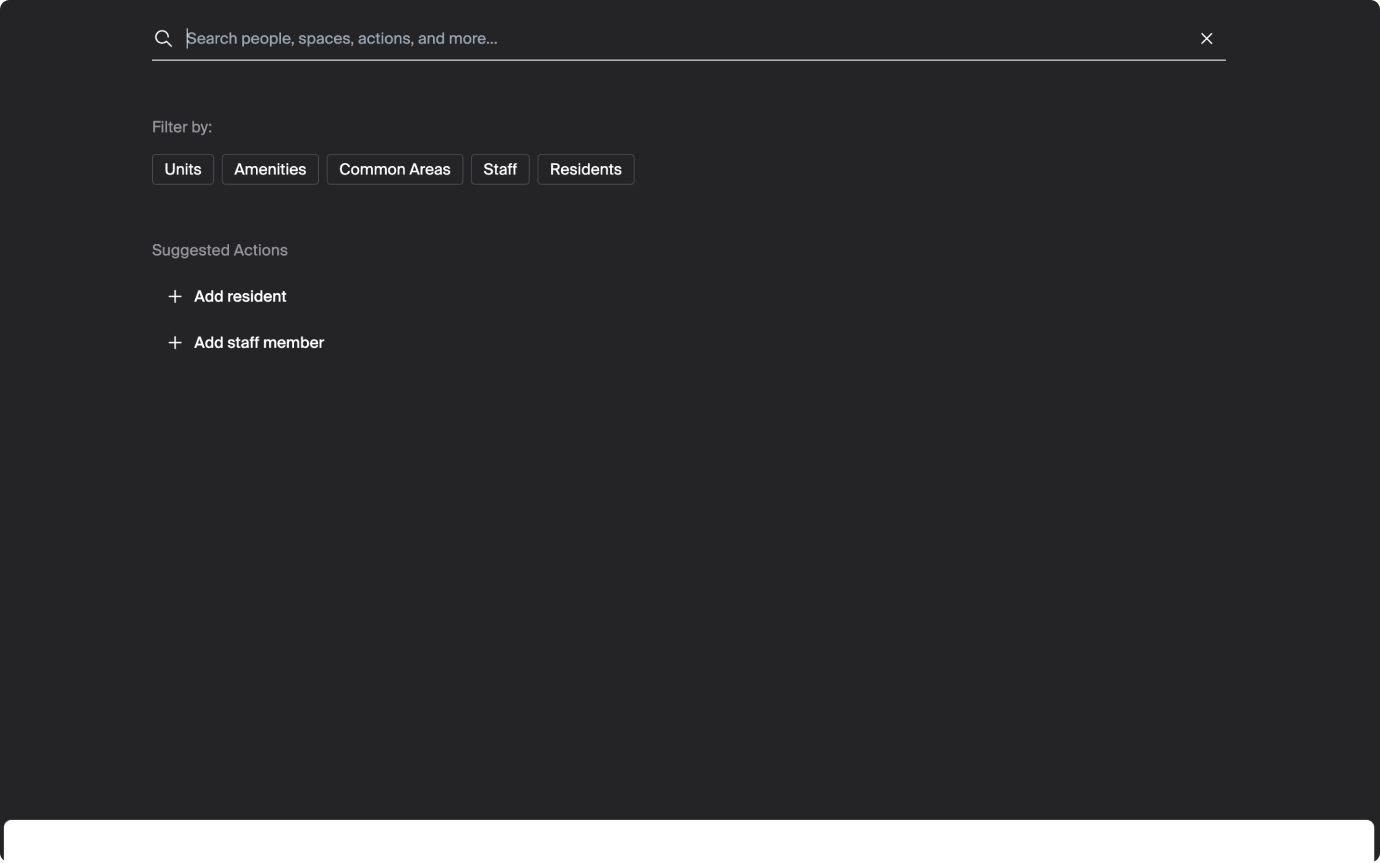
You can click the search bar at the top center of your screen to perform some basic actions quickly without having to navigate to different pages. You can also search for spaces, people, actions, and more.